

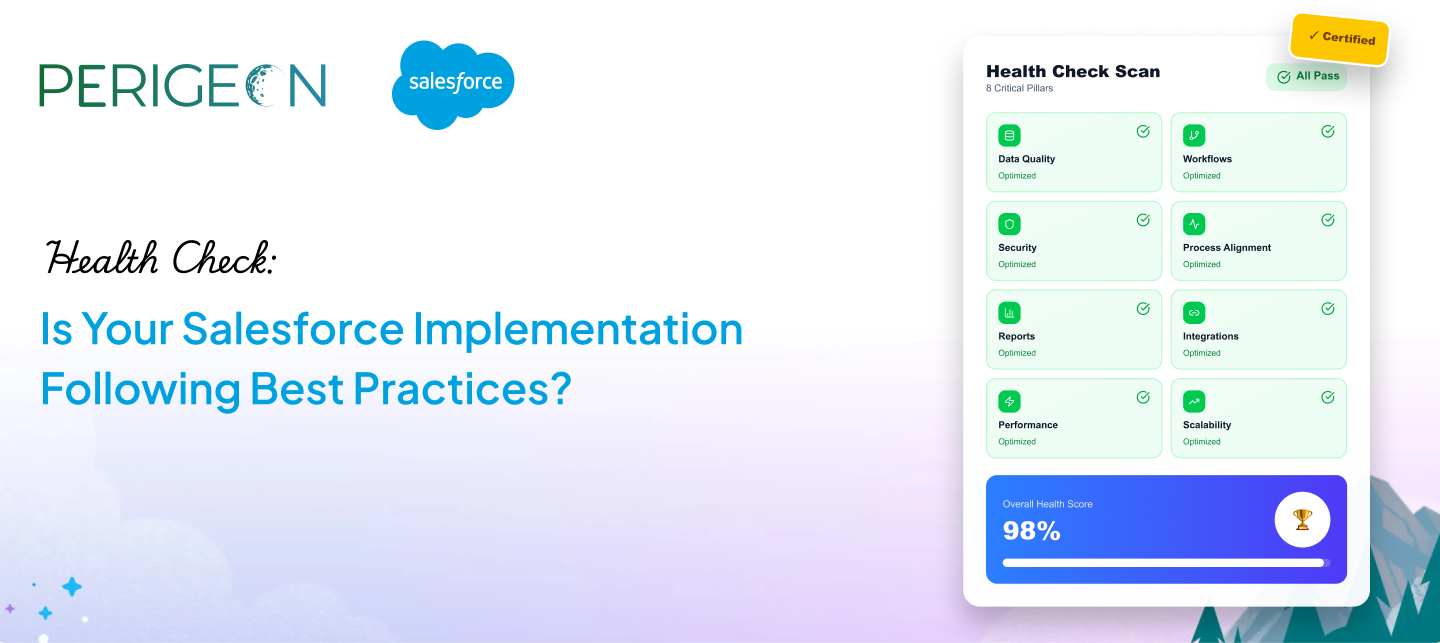
Salesforce is a powerful platform — but only when it’s implemented and maintained the right way. Over time, CRM setups can become cluttered, outdated, or misaligned with evolving business needs.
This is where a Salesforce health check becomes essential. A proper health assessment ensures your Salesforce org is secure, scalable, efficient, and fully aligned with best practices.
Here’s a complete guide to evaluating whether your implementation is on the right track.
1. Is Your Data Clean, Consistent, and Well-Structured?
Poor-quality data is the #1 reason Salesforce systems underperform. A health check helps you evaluate:
- Data accuracy and consistency
- Field usage and duplication
- Validation rules and required fields
- Data storage limits
Clean, structured data = better decisions + stronger automation.
2. Are Your Workflows and Automations Optimized?
Outdated or redundant workflows slow down system performance. A best-practice setup includes:
- Streamlined Flow automation
- Minimal workflow rule conflicts
- Apex triggers following proper patterns
- Automation aligned with business processes
If automations run slowly or unpredictably, it’s time for review.
3. Is Your Security Model Properly Configured?
Security should never be an afterthought. A health check reviews:
- User roles and profiles
- Field-level security
- Sharing rules and permission sets
- Login and authentication settings
This ensures your data stays protected and compliant.
4. Is the System Aligned With Your Current Business Processes?
Over time, processes evolve — but Salesforce isn’t always updated accordingly. Ask:
- Are pipelines still accurate?
- Are approval processes outdated?
- Are departments using Salesforce consistently?
- Are custom objects still relevant?
Your CRM must grow with your business.
5. Are You Using Reports and Dashboards Effectively?
A healthy Salesforce org turns data into insights. A best-practice check includes:
- Duplicate or unused reports cleanup
- Relevant, real-time dashboards
- Automated reporting
- KPI alignment across teams
If your dashboards don’t tell a clear story, optimization is needed.
6. Are Integrations Working Smoothly?
Broken or outdated integrations can silently damage your pipeline. A health check inspects:
- API usage and limits
- Sync issues and delays
- Custom integration scripts
- Marketing, ERP, and third-party tool connections
Smooth integrations ensure a unified customer view.
7. Is Performance Fast and Stable?
Slow Salesforce = frustrated teams. Performance checks include:
- Page load times
- Apex code efficiency
- Flow performance
- Storage optimization
A faster org boosts productivity.
8. Are You Prepared for Future Scalability?
Your Salesforce should support your growth — not block it. A future-proof system includes:
- Modular architecture
- Config-over-code strategy
- Documentation updates
- Regular audits
Scalable design prevents technical debt.
Final Thoughts
A Salesforce health check ensures your CRM is optimized, secure, and ready for future growth. Whether you’re dealing with slow performance, messy data, or outdated automations, a structured audit can uncover hidden gaps.
At Perigeon Software, we help teams evaluate and optimize their Salesforce orgs using industry best practices.