
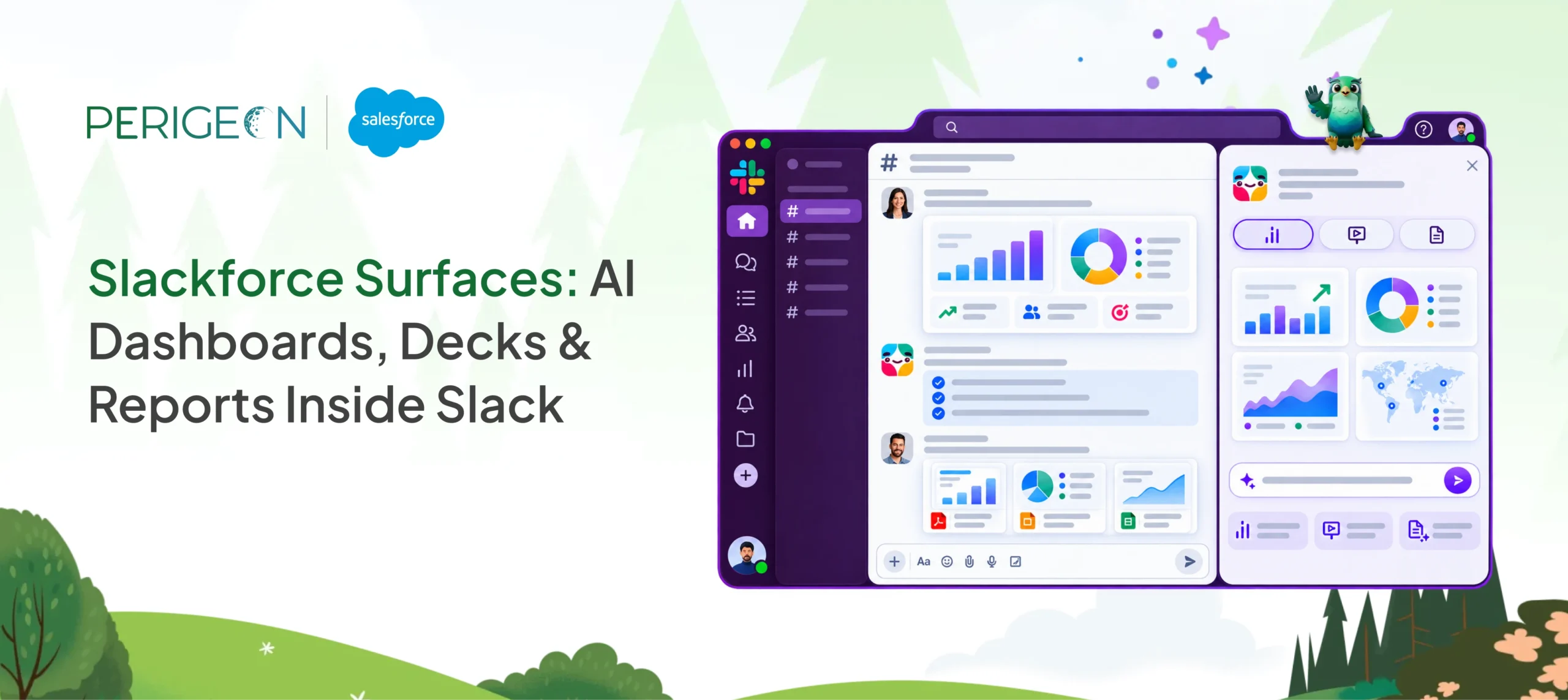
Traditional reporting forces teams to leave Slack, export data, wait for a specialist, and present a static snapshot that is already outdated. Slackforce Surfaces removes that friction.
With a single natural-language prompt to Slackbot, anyone can generate interactive, live interfaces—dashboards, executive decks, reports, polls, calculators, or custom experiences—directly inside Slack. The Surface stays connected to its data sources, can be pinned to a channel, and lets the whole team filter, explore, comment on, and act on the information together.
Alongside Surfaces, Slack also introduced Slack Code for agentic coding, allowing teams to write, review, and ship code together inside dedicated channels.
This guide covers what Slackforce Surfaces are, how they work, key features, real-world examples with sample prompts, and practical tips for getting started.
What Is Slackforce Surfaces?
Slackforce Surfaces is an AI-powered feature (part of the broader Slackforce initiative announced at Dreamforce 2026) that turns a plain-language request into a rich, interactive interface that lives inside Slack.
You describe what you need—“Build me a space-themed pipeline view of my open deals” or “Create a weather-themed financial forecast showing tailwinds and headwinds”—and Slackbot pulls relevant context from your Slack conversations plus connected systems (Salesforce, Google Drive, and other enterprise apps under your existing permissions). It then generates a working Surface you can share, pin, and collaborate on.
Unlike a static export or a traditional BI dashboard, a Surface is:
- Built on demand from real work context
- Interactive and multiplayer
- Permission-aware (you only see data you already have access to)
- Designed to stay in the flow of conversation rather than force a context switch
It is available today for customers on Free, Pro, Business+, Enterprise+, and Legacy plans that have Slackbot enabled. Full live-data refresh capabilities began rolling out in October 2026. Work with an authorized Slack reseller to choose the right plan for your team.
How Slackforce Surfaces Work
Creating a Surface follows a simple loop:
- Open Slackbot (from the top of the desktop interface or by tagging it in a channel).
- Describe what you want in natural language. Be specific about the goal, preferred format or theme, and any data sources.
- Slackbot gathers relevant messages, files, and connected data under your permissions, then generates the Surface.
- Review the result. Ask follow-up questions or request changes (“Make the risk deals larger” or “Add SLA breach counts”).
- Share the Surface by copying the link or adding it as a tab/pin in a channel so the team can interact with it.
There is no fixed template. Slackbot chooses the most useful format—interactive dashboard, HTML-style executive deck, triage board, calculator, microsite, or something entirely custom—and styles it for the audience and purpose.
The Surface remains connected to its sources. When underlying Salesforce records, case volumes, or campaign numbers change, the Surface updates (full automatic refresh rolled out progressively starting October 2026). Sources are visible so the team can trust the numbers.
Key Features of Slackforce Surfaces
♦ Natural-language creation — No BI skills or design expertise required. Anyone who can describe a need can build a Surface.
♦ Live and connected data — Surfaces pull from Slack history, Salesforce (Sales Cloud, Service Cloud, Data 360, Tableau, etc.), and other connected tools. They stay current instead of becoming stale snapshots.
♦ Fully interactive and collaborative — Team members can filter, drill down, leave comments, and take action without leaving Slack.
♦ Flexible formats and theming — Space-themed pipelines, weather-themed forecasts, arcade-style token usage views, and more are all possible.
♦ Permission-aware and transparent — Built under existing access controls; sources are shown.
♦ Pinning and channel integration — Surfaces become part of the shared workspace rather than disappearing into threads or folders.
♦ Works beyond Salesforce — Any system connected to Slack can feed a Surface.
These capabilities turn the conversation itself into a living workspace instead of an endpoint. Slackforce Surfaces is a key part of the broader Slack and Salesforce integration, making Slack the conversational interface for Salesforce data.
Real-World Examples: How Teams Use Slackforce Surfaces
Here are practical patterns drawn from official demonstrations and early customer use, with sample prompts you can adapt.
♦ Sales – Prioritized pipeline view
A rep turns Salesforce opportunities into a visual “Pipeline Galaxy” where deals appear as objects whose size and position reflect urgency and risk.
Sample prompt:
“Generate an interactive space-themed dashboard of my open Salesforce opportunities. Show stage, amount, close date, and recent activity. Highlight stalled and at-risk deals clearly.”
♦ Marketing – Executive GTM deck
A marketer converts a go-to-market document into a leadership-ready presentation that includes pilot results, targets, campaign data, and required sign-offs.
Sample prompt:
“Turn this GTM plan into an executive HTML deck with pilot proof points, targets, Agentforce Marketing campaign metrics, and a clear list of approvals needed before launch.”
♦ IT / AI Operations – Token usage & spend tracker
An IT team monitors AI adoption and costs with a live dashboard that surfaces runaway usage early.
Sample prompt:
“Create an arcade-themed interactive report of AI token usage across sales, design, and engineering teams this month, including spend and estimated ROI.”
♦ Customer Support – Live triage board
A service leader replaces status-update meetings with a real-time view of the queue.
Sample prompt:
“Build a live triage board of open support cases showing SLA status, severity, customer tier, and time in queue. Flag breaches immediately.”
♦ Finance – Readable forecast
A finance leader presents budget variance and outlook in a format leadership can absorb in seconds.
Sample prompt:
“Create a weather-themed financial forecast Surface that shows tailwinds and headwinds side by side using our current budget and variance data.”
Other common uses include project status microsites, ROI calculators, account-health views, and interactive polls that become living result boards.
How to Get Started and Best Practices
Availability
Slackforce Surfaces works on Free, Pro, Business+, Enterprise+, and Legacy plans once Slackbot is enabled for the workspace. Live-data features rolled out starting October 2026.
Prompt tips that produce better Surfaces
- State the goal and audience (“for leadership review” or “for daily sales stand-up”).
- Mention preferred theme or format if you have one.
- Reference specific data sources or time ranges.
- Iterate: treat the first version as a draft and refine with follow-ups.
Collaboration tips
- Pin important Surfaces as channel tabs so they stay visible.
- Encourage the team to comment and filter rather than recreate.
- Ask Slackbot follow-up questions about the live data inside the Surface.
Limitations to keep in mind
- Results depend on the data and permissions already available to you.
- Full automatic refresh of live data was staged; confirm current status in your workspace.
- Surfaces are strongest when the underlying systems are well-connected to Slack.
Slackforce Surfaces vs Traditional Reporting
| Aspect | Traditional BI / Decks | Slackforce Surfaces |
| Creation time | Hours to days + specialist | Minutes via prompt |
| Data freshness | Snapshot at export time | Connected and refreshing |
| Collaboration | Separate tools or email threads | Inside the same Slack channel |
| Skill required | Dashboard design or BI tools | Ability to describe the need |
| Context switching | High | None – stays in the conversation |
The shift is from “export, present, and hope people look” to “describe, share, and act together where the work already happens.”
Conclusion
Slackforce Surfaces closes the gap between having data and making it actionable inside the tools teams already use every day. By letting anyone turn a conversation into a live, interactive interface, it reduces dependence on specialists, eliminates stale exports, and keeps decisions grounded in current information.
Start with a simple prompt on something you already need to explain this week—a pipeline update, a status report, or a forecast. The conversation no longer ends with an answer; it becomes the working interface your team uses to move forward.
For the latest availability and setup details, check the official Slack and Salesforce documentation for your workspace.